Pages

Monday, June 10, 2019

Free Layered Scrap Template - Multiple Photo #5

Each layer on this template is separate so all you need to do is click on each layer and replace it with your chosen element or paper.  Hide the original template layer and you have your completed scrap.  You can also delete the original template layer, but be careful to save your scrap under its own name and when you close the original template select the option to "Don't Save" so your original template is not altered.
Download this FREE template HERE

Pixel Scrap membership is FREE and gives you access to download thousands of free scrapbook elements and papers.

Free Layered Template - Multiple Photo #4

Each layer on this template is separate so all you need to do is click on each layer and replace it with your chosen element or paper.  Hide the original template layer and you have your completed scrap.  You can also delete the original template layer, but be careful to save your scrap under its own name and when you close the original template select the option to "Don't Save" so your original template is not altered.
Download this FREE template HERE

Pixel Scrapper membership is FREE and gives you access to download thousands of free scrapbook elements and papers.

Free Layered Template - Multiple Photo #3

Each layer on this template is separate so all you need to do is click on each layer and replace it with your chosen element or paper.  Hide the original template layer and you have your completed scrap.  You can also delete the original template layer, but be careful to save your scrap under its own name and when you close the original template select the option to "Don't Save" so your original template is not altered.
Download this free template HERE

Pixel Scrapper membership is FREE and gives you access to download thousands of free elements and papers.

Free Layered Scrap Template - Multiple Photo #2

Each layer on this template is separate so all you need to do is click on each layer and replace it with your chosen element or paper.  Hide the original template layer and you have your completed scrap.  You can also delete the original template layer, but be careful to save your scrap under its own name and when you close the original template select the option to "Don't Save" so your original template is not altered.
Download this FREE template HERE

Pixel Scrapper membership is FREE and gives you access to thousands of free elements and papers.

Free Layered Scrap Template - Multiple Photo #1

Here is a free layered scrap template.  Each layer is separate so you can easily click on each layer and replace it with your chosen element or paper.
Download for free HERE

Pixel Scrapper membership is FREE and gives you access to thousands of free elements and papers.

Sunday, March 31, 2019

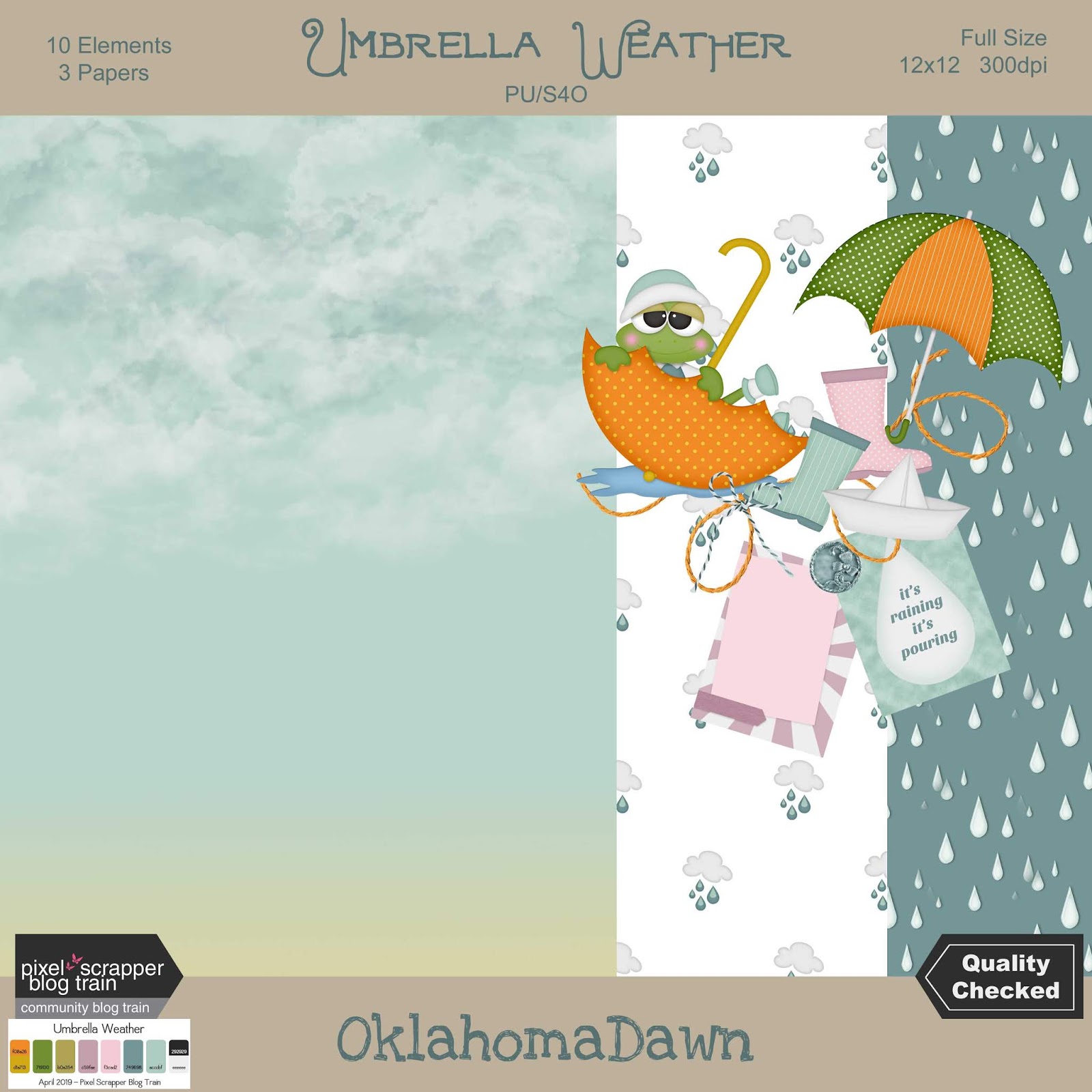
Pixel Scrapper April 2019 Blog Train - Umbrella Weather

Oh my, it's the first of the month which means it's time for another awesome Pixel Scrapper blog train.  Our theme is Umbrella Weather.  I've created a mini kit with several different links below the preview.  

A few extra elements and papers will be posted for free at Pixel Scrapper under the "Commons" tab.

I've maxed out my limit uploading a kit with a theme of farming/gardening/homestead which was requested on Pixel Scrapper.  There are over 140 elements and more than 25 papers.  After Wednesday (April 3rd) I'll be able to upload more and the coordinating elements/papers for this month's blog train will be uploaded first.  So, check out the "Commons" section at Pixel Scrapper for 1000's of freebies.

HERE is the link for the blog train previews and links
Download Mini from DropBox HERE
Download from MediaFire HERE
Download from GoogleDrive HERE

Thursday, January 31, 2019

Pixel Scrapper February 2019 Blog Train- Walk on the Wild Side

It's February 1st which means it is time for a new blog train at Pixel Scrapper.  Our theme this month is Walk on the Wild Side and we have a great palette to go along with it.  I went in a little different direction with my interpretation.  Hope y'all like it.

HERE is the link to view all the blog train contributions.

For my part there is a mini kit, a set of grungy solid papers and a set of plaid papers.

Download Elements from Drop Box HERE
Download Pattern Papers from Drop Box HERE

Download Elements from Google Drive HERE
Download Pattern Papers from Google Drive HERE

Download Elements from Media Fire HERE
Download Pattern Papers from Media Fire HERE

Download Solid Grungy Papers from Drop Box HERE
Download Solid Grungy Papers from Google Drive HERE
Download Solid Grungy Papers from Media Fire HERE

Download Plaid Papers from Drop Box HERE
Download Plaid Papers from Google Drive HERE
Download Plaid Papers from Media Fire HERE